
Real coworkers. Real people. More than work.
SameBadge Meet people from your work.
A free, privacy-first app for making friends with coworkers and people at nearby companies — built around shared interests and real-world plans. Not dating. Not networking.
 APK · Android 8+ · v3.1.132
 .ipa · sideload · iOS 14+ · v3.1.126
 Pending · Windows 10/11
Free internal pilot · Seattle metro · Pseudonymous by default

Same badge. New friends. Real life.
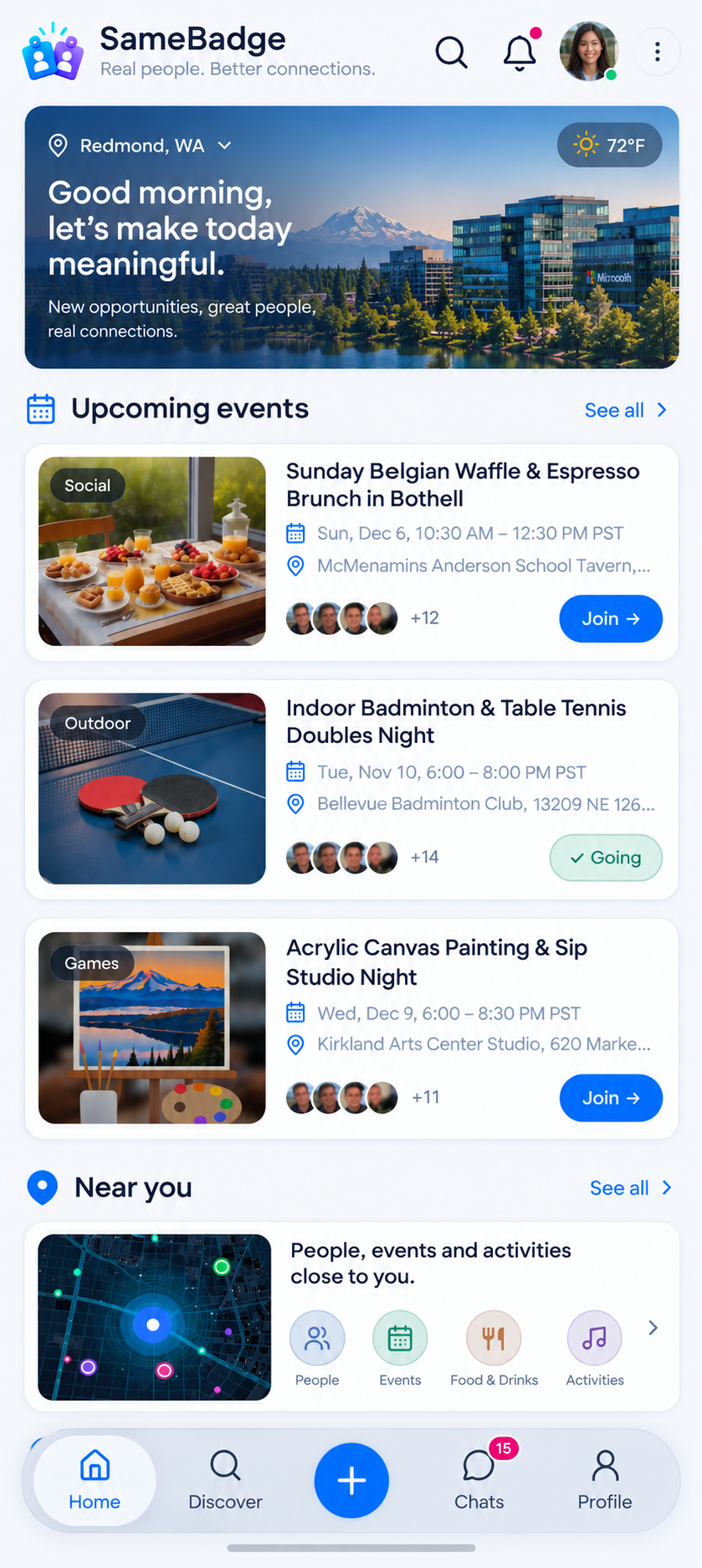
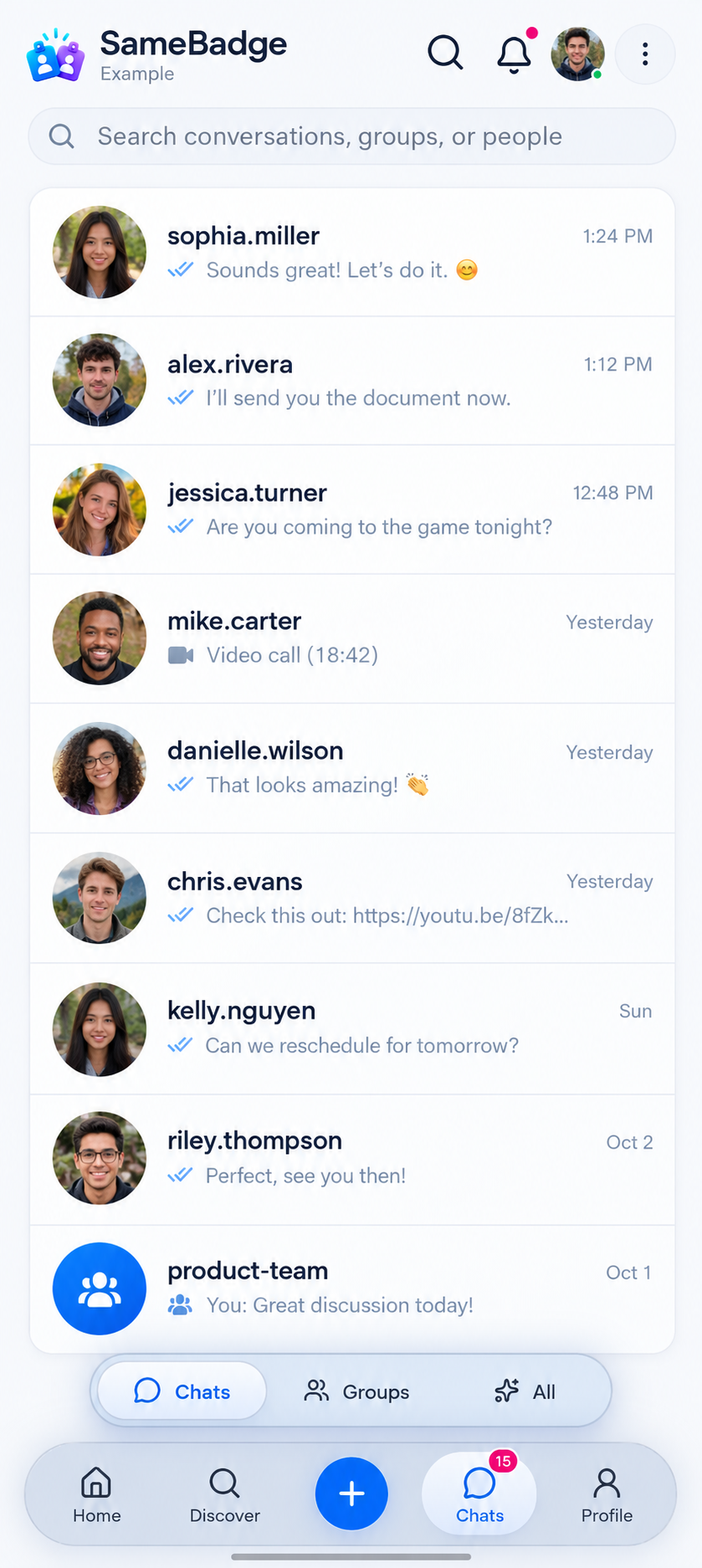
Sample screens · invented names
Why SameBadge?
A simpler, safer way to meet coworkers.
Starting a friendship at work can feel awkward. SameBadge makes it easy to find people who share your badge and your interests — with privacy built in. No résumés, no follower counts. Just real people and real plans.
How it works-
Verified once Coming soon
Use your work email once to confirm where you work. Until then, pilot accounts are by invitation.
-
Stay pseudonymous
You’re known by your alias and avatar. People see your company — never your email.
-
Meet nearby
Coworkers first, then nearby companies or the Seattle metro — only if you choose.
-
Make real plans
Hikes, coffee, game nights — friendship, not dating or job hunting.
-
Your privacy matters
No ads. Approximate location only. Block or report anyone, anytime.
How it works
From hello to real plans
Five simple steps — and you stay in control of who sees you at every one of them.
-
Step 1
Join
Open SameBadge on the web or install the app on Android or iPhone. During the pilot, accounts are invitation-only.
-
Step 2
Choose your alias & interests
Pick the name people will see, add a few interests and decide who can find you.
-
Step 3
Discover people
Find coworkers first, then people at nearby companies or across the Seattle metro — if you opt in.
-
Step 4
Say hi, join groups, plan
Send a friendly hello, join interest groups or create an activity — coffee, a hike, a game night.
-
Step 5
Meet in real life
Meet in public places, at your own pace. Leave, block or report whenever you need to.

What you can plan
More than work. Plans worth showing up for.
Ideas to get you started — not real events. Create one in a minute, keep it to your company or open it to nearby companies. Real activities are only visible after you log in.
Start planning-

Weekend trail hike
Pick an easy trail near Issaquah, set a friendly pace and share snacks at the viewpoint.
-

Coffee & catch-up
Thirty low-pressure minutes over a latte in downtown Bellevue — or wherever is closest to the office.
-
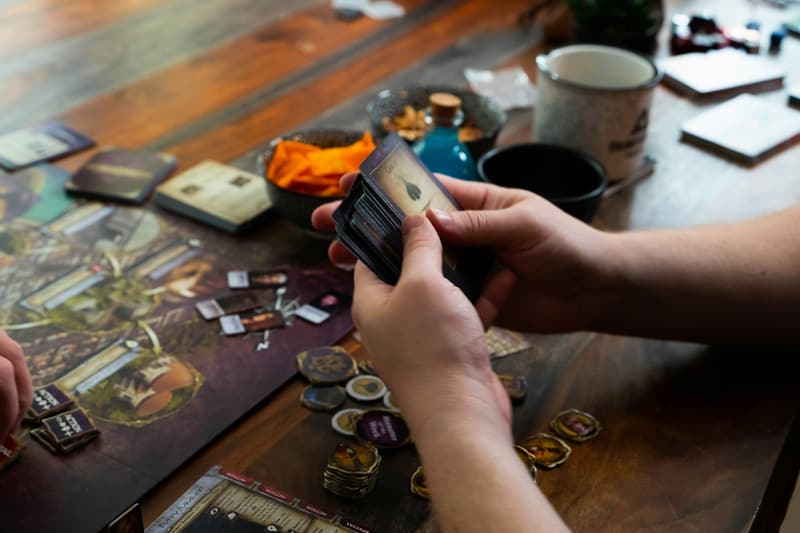
Board game night
Bring a favorite game or learn a new one. Snacks encouraged, competitiveness optional.
-

Live music
Catch a local band or an outdoor summer concert — it’s always more fun with a crew.
-

Food crawl
Dumplings, tacos, pho: taste your way through the International District, one small plate at a time.
-

Movie night
See the new release on opening weekend, then compare reviews over dessert.
-

Pickleball
Beginner-friendly doubles at a park court in Redmond or Kirkland. Spare paddles welcome.
-

Photo walk
Chase golden hour along the Kirkland waterfront — phone cameras absolutely count.
-
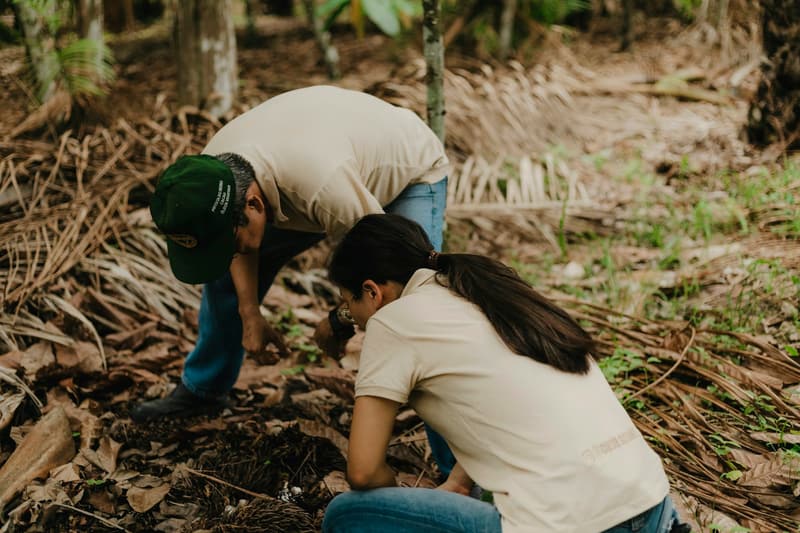
Volunteering
Join a park restoration morning or a food-bank shift and give back together.
-

Book club
One book a month, one comfy café, zero homework vibes.
-

Run club
An easy social loop on the Sammamish River Trail, with coffee after.
-

Lunch walk
Swap the desk lunch for a loop around campus or a nearby park. Easy to plan, easy to join.
No ideas match that yet — try “coffee”, “hike” or “games”. You can plan anything you like in the app.
Example Illustrative — not a real member’s story
How a plan comes together
No testimonials here — the pilot is still young. Instead, here’s what a week with SameBadge can look like.
-
Monday
Set up your profile
You pick an alias, add Hiking and Coffee to your interests and stay visible to your company only.
-
Tuesday
Say hi
Discover shows a coworker on another team who also loves trails. You say hi — they say hi back.
-
Wednesday
Make it a plan
You create “Saturday trail hike near Issaquah”, set six spaces and open it to nearby companies.
-
Saturday
Meet in real life
You meet at the trailhead — a public, easy-to-find spot — hike at an easy pace, then grab coffee.
Safety & Privacy
Privacy by design. Safety by default.
You decide what people see and who can find you. Here’s what that means in practice.
Pseudonymous profiles
People see your alias and company badge — never your email.
You choose visibility
Your company, nearby companies and the Seattle metro are separate opt-ins.
Approximate location
Only if you turn it on: rounded to about 1 km, never shown to anyone. Others see only a rough distance range.
Block & report
Block anyone in a tap. Reports go to a human moderator — not to your employer.
No ads, no paywalls
Free to use, with no ads, purchases or premium tier in this pilot.
Your data, your choice
Export your data or delete your account from Settings at any time.
Honest limits: SameBadge is pseudonymous, not anonymous. Details you share can identify you, messages are not end-to-end encrypted, and the people running the pilot can access social data.
Read privacy & safety detailsAbout
A free pilot for the Seattle metro
SameBadge helps people who share a workplace — or work just down the street — turn hallway hellos into real friendships. SameBadge is a brand of Puget Peak LLC (pugetpeak.com).
- Seattle
- Bellevue
- Redmond
- Kirkland
- Bothell
- Lynnwood
- Renton
- Issaquah
- …and nearby
- Free
- No ads, purchases or premium tier.
- Friendship first
- Not dating. Not networking or recruiting.
- Web, Android & iPhone
- Use it in any browser, install the Android app, or sideload the iPhone build.
- Pilot accounts
- By invitation while we test. Work-email sign-up is coming soon.

FAQ
Questions, answered
Who can join right now?
SameBadge is an internal pilot in the Seattle metro, and accounts are invitation-only while we test. Signing up yourself — verified once with your work email — is coming soon.
Is this a dating or networking app?
No. SameBadge is for friendship and shared activities with coworkers and people at nearby companies. No dating, no recruiting, no job hunting.
What do other people see about me?
Your alias, an optional photo, your interests and your company badge — never your email. You decide separately whether you appear to your company, to nearby companies or across the metro.
Does SameBadge track my location?
Only if you turn it on. Then it’s stored rounded to about 1 km and never shown to anyone. Other people only see a rough range such as “5–10 km away”. Tapping “My location” on a map just centers the map and isn’t saved. Turning sharing off deletes your location.
How do notifications work?
They’re optional, and you choose which kinds you get. On Android, SameBadge uses Google Firebase Cloud Messaging only to wake the app — the push carries no names or message text; the app then fetches the details from SameBadge directly. In your browser, notifications travel encrypted through your browser maker’s push service and never include message text.
Does this website use cookies or analytics?
This public page counts visits with Cloudflare Web Analytics — page views, the site you came from and page speed. It uses no cookies, there are no ads, and Cloudflare says it collects no personal data. The SameBadge app itself runs no analytics.
Is it really free?
Yes. There are no ads, purchases or paywalled features in this pilot.
Is there an iPhone app?
Yes, for now as a sideloaded test build (iOS 14 or newer) until App Store and Google Play listings exist. Download the .ipa on a computer and install it with Sideloadly, AltStore or SideStore using your own Apple ID. On the iPhone, turn on Settings › Privacy & Security › Developer Mode and trust your Apple ID under Settings › General › VPN & Device Management. With a free Apple ID the app must be re-signed every 7 days. You can also use SameBadge in Safari and add it to your Home Screen.
How do I install the Android app?
Download the APK (Android 8 or newer), open it and allow installs from your browser when Android asks. You sign in with the same account as on the web.
What if someone makes me uncomfortable?
Block them right away and report anything concerning — reports go to a human moderator, not your employer. If you’re in immediate danger, contact local emergency services.
Every Device
Download SameBadge
Available across phones, tablets, foldables, smartwatches, Mac and Windows PC.
Ready to meet people from your work?
Free, pseudonymous and made for real plans. Start on the web or install the app on Android or iPhone — pilot accounts are by invitation for now.
APK · Android 8+ · v3.1.132
.ipa · sideload · iOS 14+ · v3.1.126
Pending · Windows 10/11